Digital Marketing
SEO
PPC Advertising
Social Media Marketing
Content Marketing
Email Marketing
Web Design & Development
Conversion Rate Optimization
Marketing Analytics
AI Automation
AI Chatbots
Workflow Automation
CRM Automation
Lead Generation Automation
AI Appointment Booking
Zapier AI Automation: Practical Workflows That Work
- 01What Zapier actually does (and the AI part)
- 021. New website lead to CRM with instant follo
- 032. AI-drafted personalized follow-up emails
- 043. Missed-call text-back automation
- 054. Review request sequences after a job compl
- 065. Meeting booking synced to calendar and CRM
- 076. Support ticket routing with AI summaries
- 08FAQ
Most Zapier builds I get asked to fix do nothing useful. They sync data nobody reads while the owner still complains nothing got faster. That is not a tool problem. Zapier AI automation works extremely well, but only when the workflow replaces labor a human was actually doing by hand. Here are six workflows that pay for themselves, plus the mistakes that kill most Zapier projects.
What Zapier actually does (and the AI part)
Zapier connects thousands of apps through triggers and actions. A trigger watches for an event, like a new form submission. An action does something in another app, like creating a contact. Chain them together and the Zap runs on autopilot.
The AI layer is genuinely useful. Zapier added AI actions that summarize text, draft emails, and extract structured data from messy input. A Zap can receive a rambling voicemail transcript, pull out the caller’s name, number, and reason for calling, then file it in your CRM. A year ago that took a human.
1. New website lead to CRM with instant follow-up
This is the first workflow I build for every service business, because speed to lead decides whether you win the job. The trigger is a new submission on your website contact or quote form. The actions: create or update the contact in your CRM, assign it to the right pipeline stage, create a follow-up task for the salesperson, and send them a notification.
The version that converts adds one more step: an immediate automated message saying a real person will call them shortly. Businesses go from calling back in six hours to six minutes with this one Zap. If you want it without the DIY time, our lead generation automation service builds exactly this pipeline.
2. AI-drafted personalized follow-up emails
Follow-up is where deals die, not from refusal but from friction. Every follow-up email takes five to ten minutes of staring at a blank screen. This workflow removes that friction.
The trigger is a deal stage change in your CRM, like moving to “Quote Sent”. The Zap pulls the contact details and deal notes, feeds them to an AI action, and produces a short follow-up draft referencing what the prospect cared about. The draft lands in the salesperson’s inbox for one-click approval. Follow-up takes thirty seconds instead of ten minutes.
The setup mistake here is letting the AI send without human review. AI drafts, humans send. That rule has saved my clients from more than one embarrassing auto-email.

3. Missed-call text-back automation
This one pays for itself faster than anything else on this list. A service business misses calls during jobs, in meetings, after hours. Every missed call from a new number is a potential customer who will call your competitor next.
The trigger is a missed call on your business line, through a phone system that integrates with Zapier. The action is an immediate SMS: “Sorry we missed you. This is [Business Name]. How can we help?” A second step creates a task so someone follows up within the hour. It costs almost nothing and catches revenue that was silently leaking. Keep it short, include your business name, ask one question.
4. Review request sequences after a job completes
Reviews are oxygen for service businesses, but asking manually is awkward and inconsistent. Automate the ask and your review count compounds on its own.
The trigger is a job marked complete in your CRM, booking system, or invoicing app. The Zap waits one to three days, then sends a polite message asking for a review with a direct link to your Google profile. No response means one follow-up a week later, then it stops. Two touches maximum. The AI touch: a personalized message referencing the specific service they bought. One link, no login, no survey first.
5. Meeting booking synced to calendar and CRM
Booking tools handle scheduling, but the record-keeping after the booking is where things fall apart. Someone books, nobody logs it, the rep shows up cold or double-books.
The trigger is a new booking event. The Zap creates the contact in your CRM if new, attaches the booking if not, adds a calendar event with prep notes, and sends the rep a summary with the prospect’s history. Our workflow automation work almost always starts with this plumbing, because everything downstream depends on clean data. The mistake I see most is three systems holding three versions of the truth. Make the booking event the single source of truth.
6. Support ticket routing with AI summaries
Small teams drown in support messages across email, chat, and social. This workflow triages them first. The trigger is a new ticket in your helpdesk. An AI step categorizes it (billing, technical, scheduling, general), summarizes it in two sentences, and assigns priority based on keywords like “urgent” or “cancel”. The Zap routes it to the right person and posts the summary to Slack.
For a five-person company this saves hours a week of “who should handle this” debates. It pairs well with an AI chatbot up front that resolves simple questions, so only real issues become tickets.
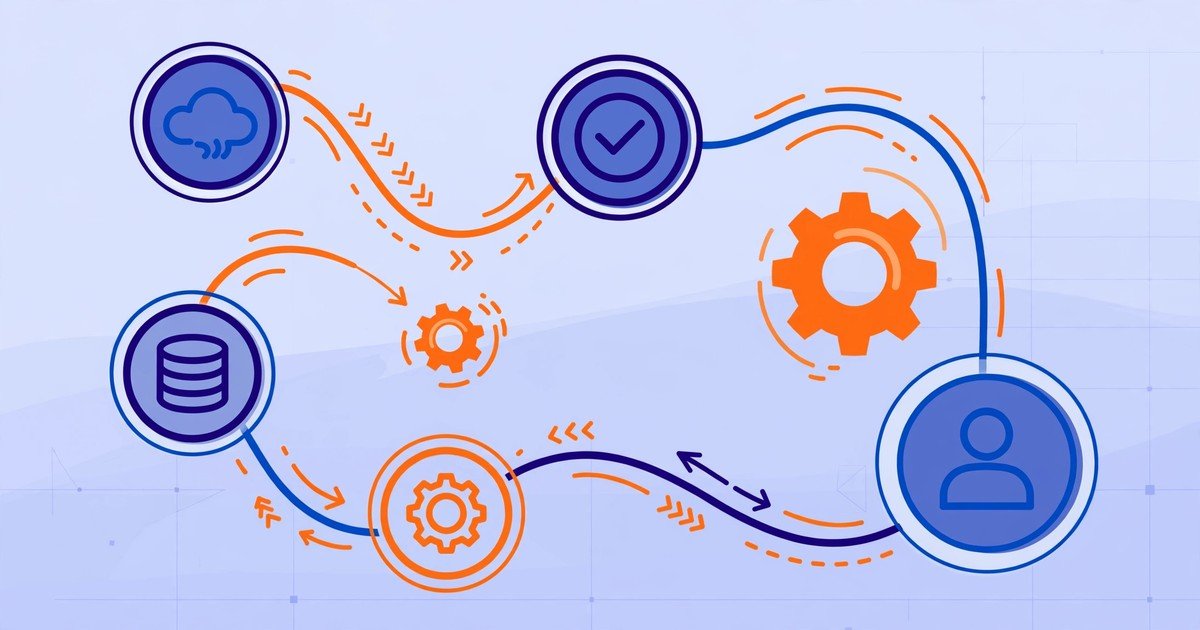
Which Zapier AI automation workflow pays for itself fastest
My ranking, from what I have watched move revenue: missed-call text-back is number one with no contest. It rescues lost leads and takes an afternoon to set up. Lead-to-CRM with instant follow-up is number two, because speed to lead is the closest thing to a cheat code in sales. Review requests are number three, because reviews compound. The AI drafts and ticket routing are force multipliers. Build them after the first three are stable.
Common setup mistakes that kill Zapier projects
The biggest killer is automating a broken process. If follow-up is slow because nobody owns it, a Zap that creates tasks faster just creates ignored tasks faster. Fix ownership first.
Second is overbuilding. People chain twelve steps when three would do, and every extra step is a place the Zap can fail at 2 a.m. Start simple, then add sophistication only where you felt pain.
Third is never testing the failure path. What happens when the CRM API is down or the phone field is empty? Add an error notification so you find out immediately, not a week later when fifty leads went nowhere.
Fourth is trusting AI output blindly. AI steps are excellent at drafting and summarizing, but anything customer-facing gets human review.
Finally, document your Zaps. Six months from now you will not remember what “Zap 47” does, and neither will your team.

Zapier AI automation is one of the cheapest force multipliers a small business can buy, but only when pointed at real labor: missed calls, slow follow-up, lost leads, messy tickets. If you want these workflows built without the trial and error, get a free quote and tell us which one would change your week. Our typical first win lands within 14 days.
Frequently asked questions
Is Zapier AI automation hard to set up for a non-technical business owner?
The basic workflows are not hard. If you can fill out a web form, you can build a simple two-step Zap. The AI steps need more care, mostly in writing a clear prompt. The hard part is not the tool, it is deciding what the workflow should do. Start with one, get it running reliably, then expand.
How many apps does Zapier connect to?
Zapier connects thousands of apps: CRMs, email tools, spreadsheets, calendars, phone systems, helpdesks, and payment processors. The tools you already use almost certainly have an integration. If one does not, webhooks let you connect just about anything that can send or receive data.
Can Zapier really write emails with AI?
Yes, with a caveat. AI actions draft text from your Zap’s data, so it can write a follow-up using the prospect’s name, company, and deal details. The drafts are good starting points, but a human should review and send them. AI drafts, humans send.
What is the best first Zapier workflow for a small business?
Missed-call text-back if your business runs on phone calls. Otherwise, new-lead-to-CRM with an instant follow-up task. Both fix the same problem: leads going cold from slow response. Simple to build, cheap to run, immediate payoff.
Does Zapier replace employees?
No. Zapier removes repetitive admin work: data entry, routing, reminders, first drafts. Your people still make the judgment calls and handle relationships. The businesses that gain the most redeploy saved hours into selling and serving customers.
Should I hire someone to build my Zapier workflows or do it myself?
Do the first simple workflow yourself so you understand the logic. Hire help when it touches revenue-critical steps or customer data across systems. A poorly built Zap fails silently, which is worse than no Zap. Request a quote and we can scope it in one call.
Want This Done For You?
Get a free audit of your current setup and a no-pressure quote. We will tell you honestly what is worth fixing and what is not.
Get Your Free Audit
Free · No pitch decks · No lock-in · Honest feedback either way